


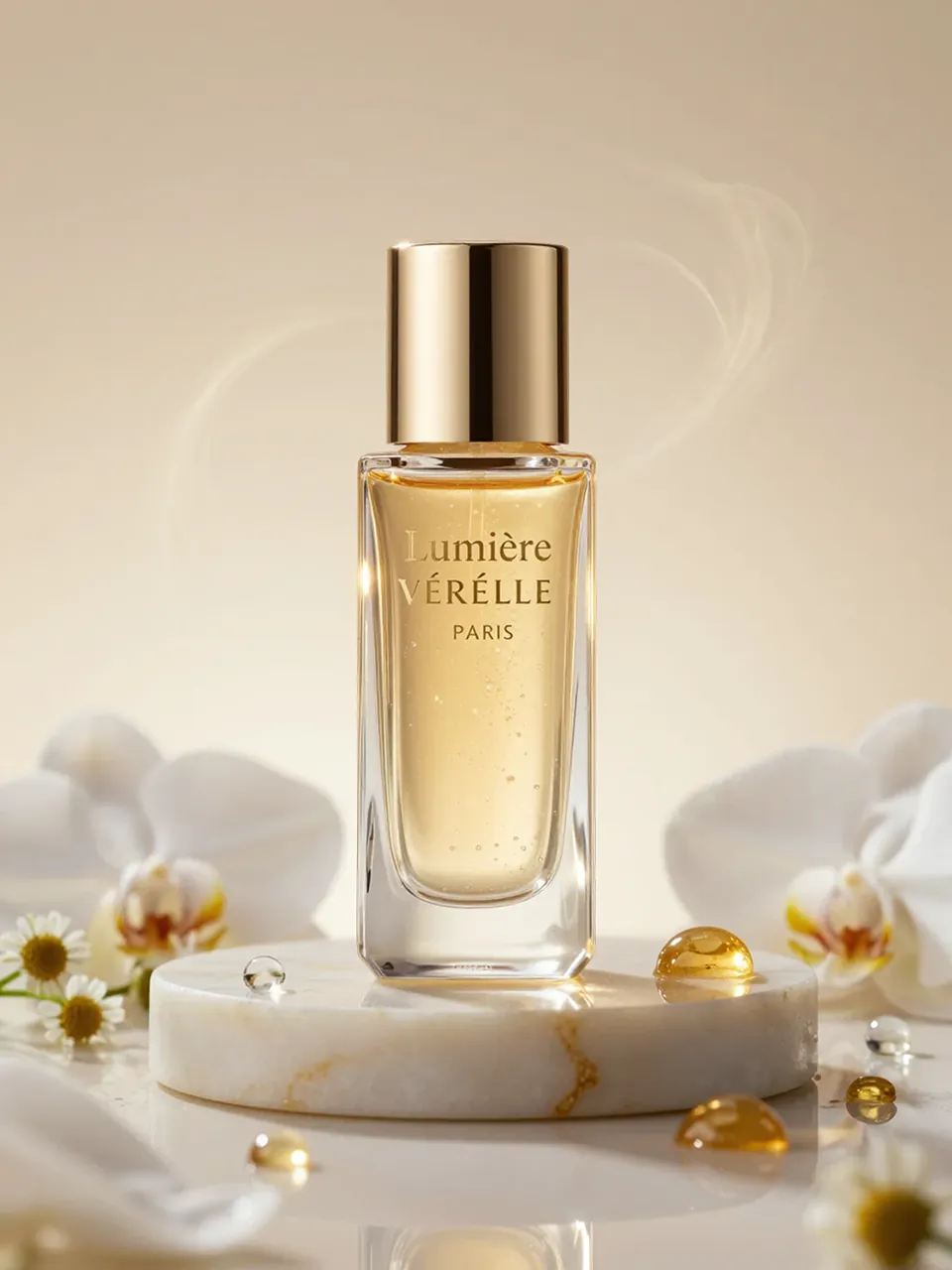
Original
Generate for free without limits with our background remover, remove background cleanly, and preserve precise edges around hair and other fine details.
Use the background remover to compare remove background and remove bg results, from portraits to products with a transparent background.
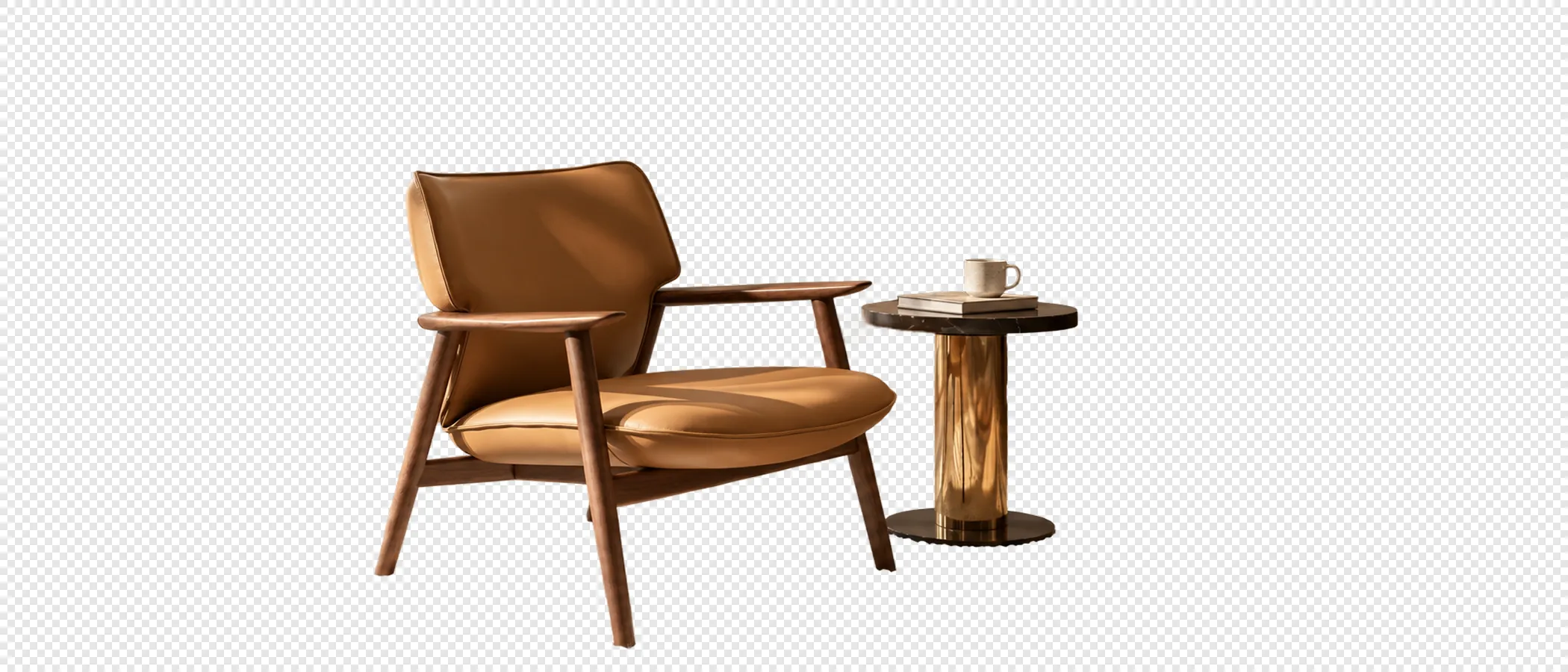
Original
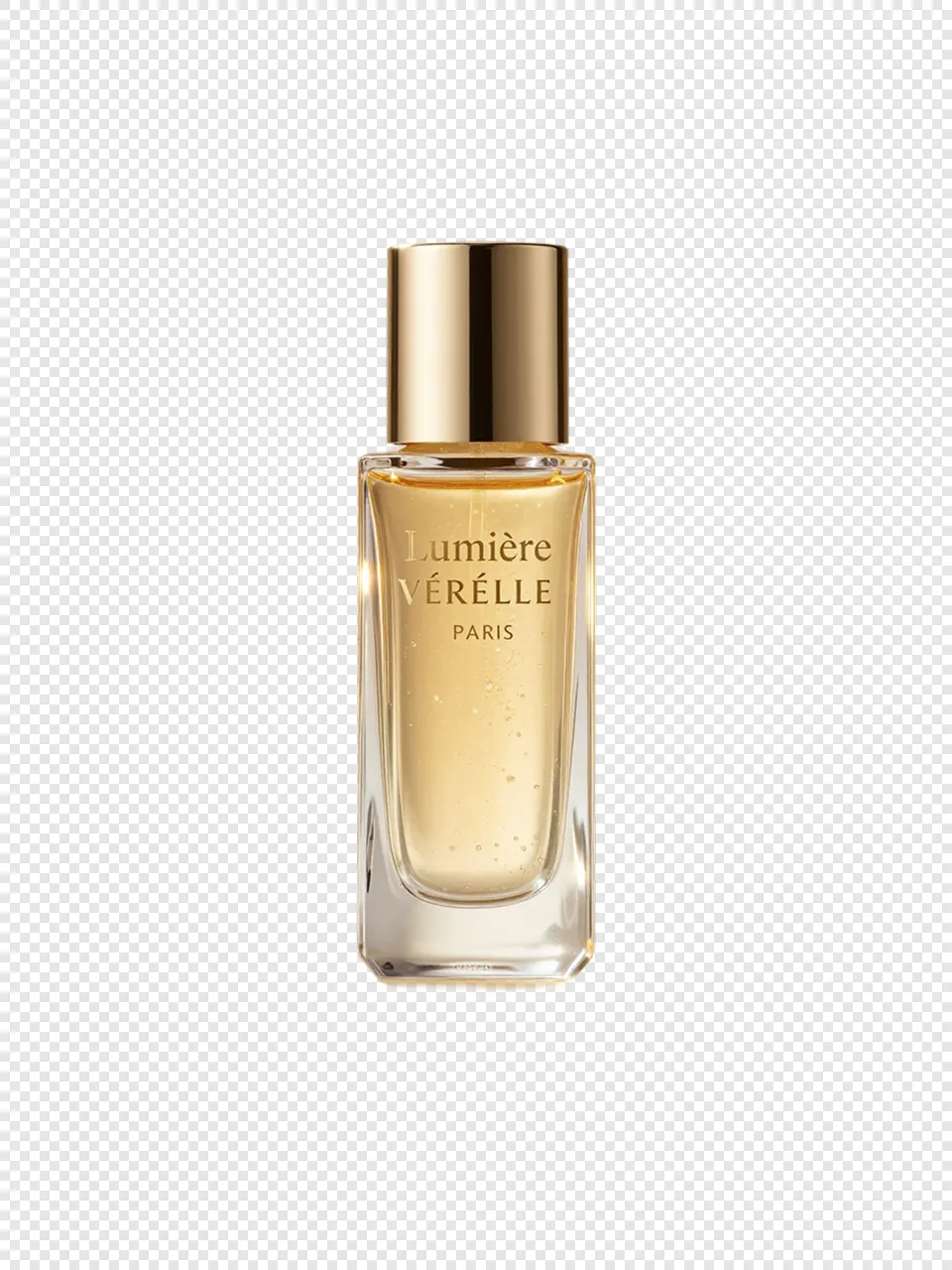
Transparent Background
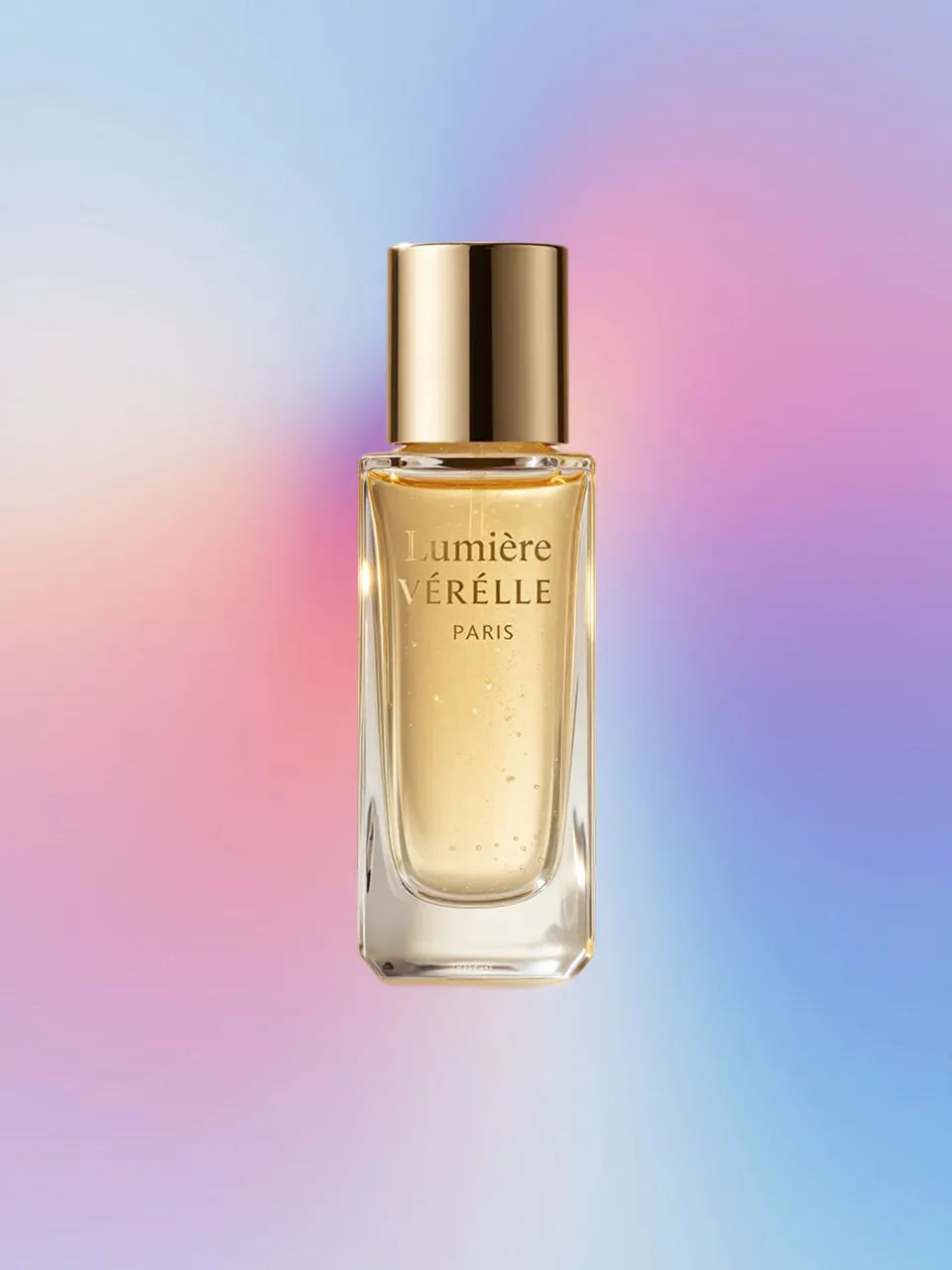
New Background
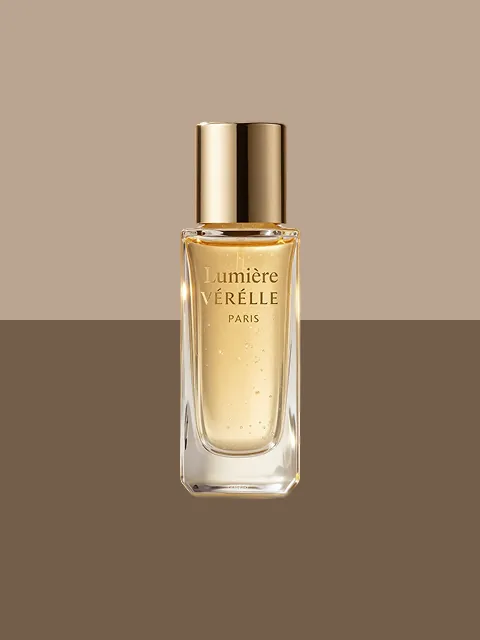

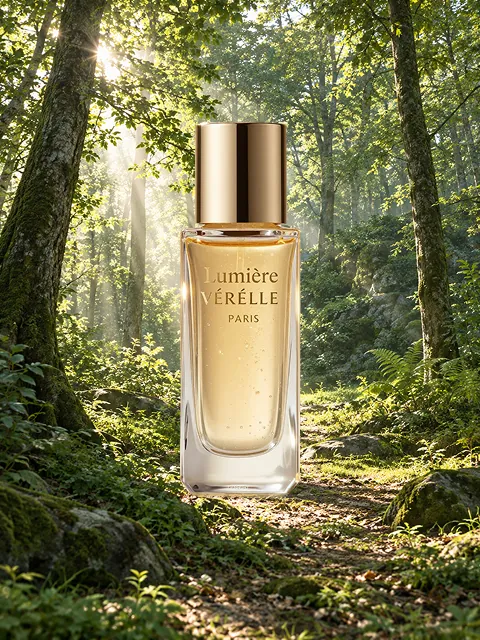

Endless Possibilities
Use the background remover free without limits, with precise edges, presets, and AI tools.
 BeforeAfter
The background remover reads the subject outline and handles hair, clothing, and accessories for a clean, natural result from every image. It preserves delicate edges, fine strands, and small details while keeping the original subject ready for any new background or layout.
 BeforeAfter
Choose solid colors, gradients, or photo backgrounds directly from the background remover preset library. Match every image to the right style, from clean product shots and polished portraits to social content.
 BeforeAfter
Describe a scene and let the background remover generate a natural match for products, portraits, and creative images. Turn any idea into a polished background for campaigns, social posts, and everyday projects.
Whether you are an individual, photographer, marketer, developer, seller, or enterprise team, prepare the right image for every use case.

Remove distractions from profile photos, life updates, and social content, then choose a background that fits the moment. Create polished images for every post, profile, and personal project, with clean edges and a consistent visual style.
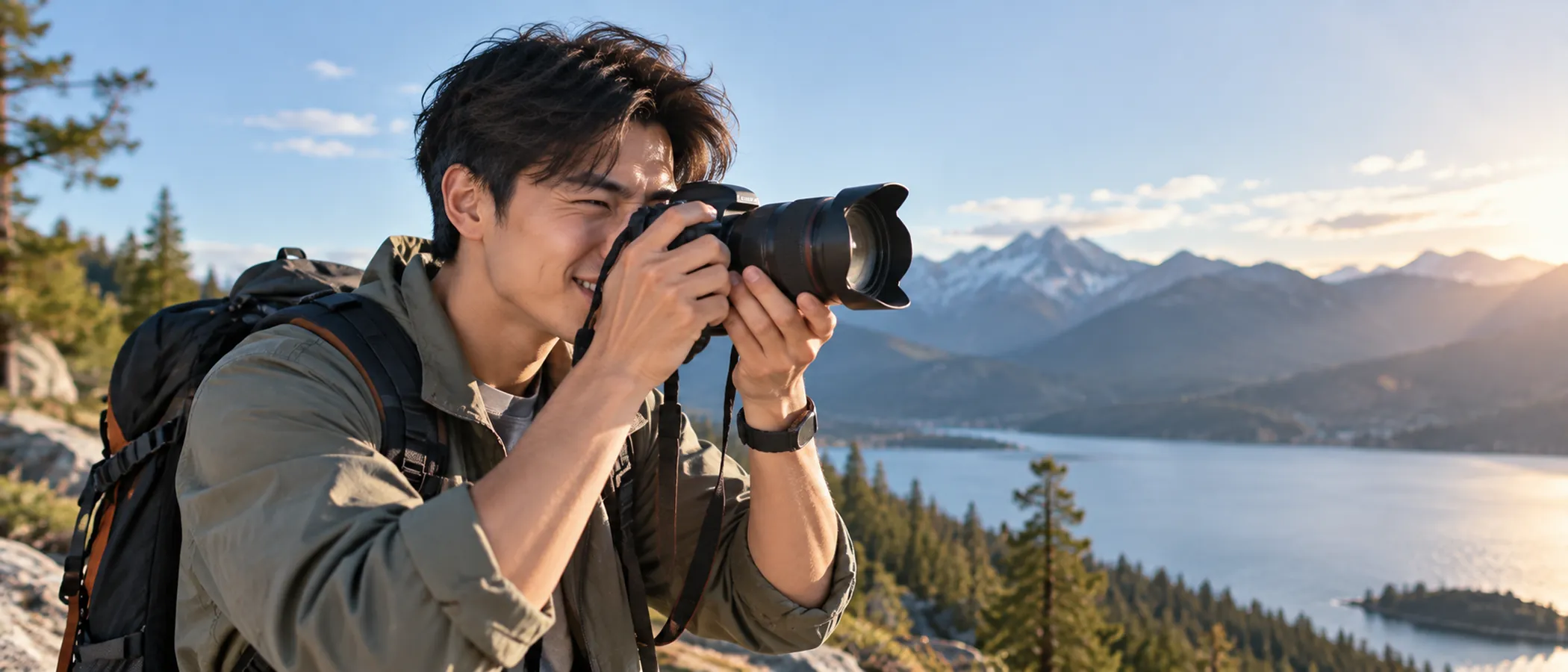
Prepare subjects for event posters, social content, and campaign images with backgrounds that fit the brief. Refine each composition for portfolios, promotions, and visual stories, while keeping the subject clear and ready for the next edit.

Create clean product and portrait subjects with consistent brand colors for campaigns and visual materials. Keep every image aligned across presentations, social posts, and team pages, with clean subjects ready for campaigns and repeatable layouts.

Prepare subjects for event posters, social content, and campaign images with backgrounds that fit the brief. Refine each composition for portfolios, promotions, and visual stories, while keeping the subject clear and ready for the next edit.

Clear the clutter and keep the store consistent. Let shoppers notice the color, texture, and details that matter. Build polished product images for listings, launches, and seasonal campaigns, with consistent framing that helps every item stand out.
Create clean product and portrait subjects with consistent brand colors for campaigns and visual materials. Keep every image aligned across presentations, social posts, and team pages, with clean subjects ready for campaigns and repeatable layouts.
No complicated workflow. Keep your time for creating.
Choose a photo you want to edit.Products and portraits can start here.
After removing the background, choose a solid color, gradient, or photo from the preset library,or describe a new background for AI to generate.
Download the image you just finished.Take it wherever your next idea needs it.
Upload PNG, JPG, or WEBP files. The background remover works with one image at a time. This background remover keeps the upload flow simple.
Keep the subject and make the background transparent.
Drop, paste, or click (Supports .jpg, .png, .webp)
No images? Try these images: